The five practice lessons in Thief Training, simply explained
In short
- Thief Training has five short lessons with the robot BLIP.
- You learn to duck, grab loot, and handle blinking, slow and hunting lasers.
- Mistakes cost nothing: you go back to the start pad and try again.
- You can repeat the training at any time under GAME MODES → HEADQUARTERS.
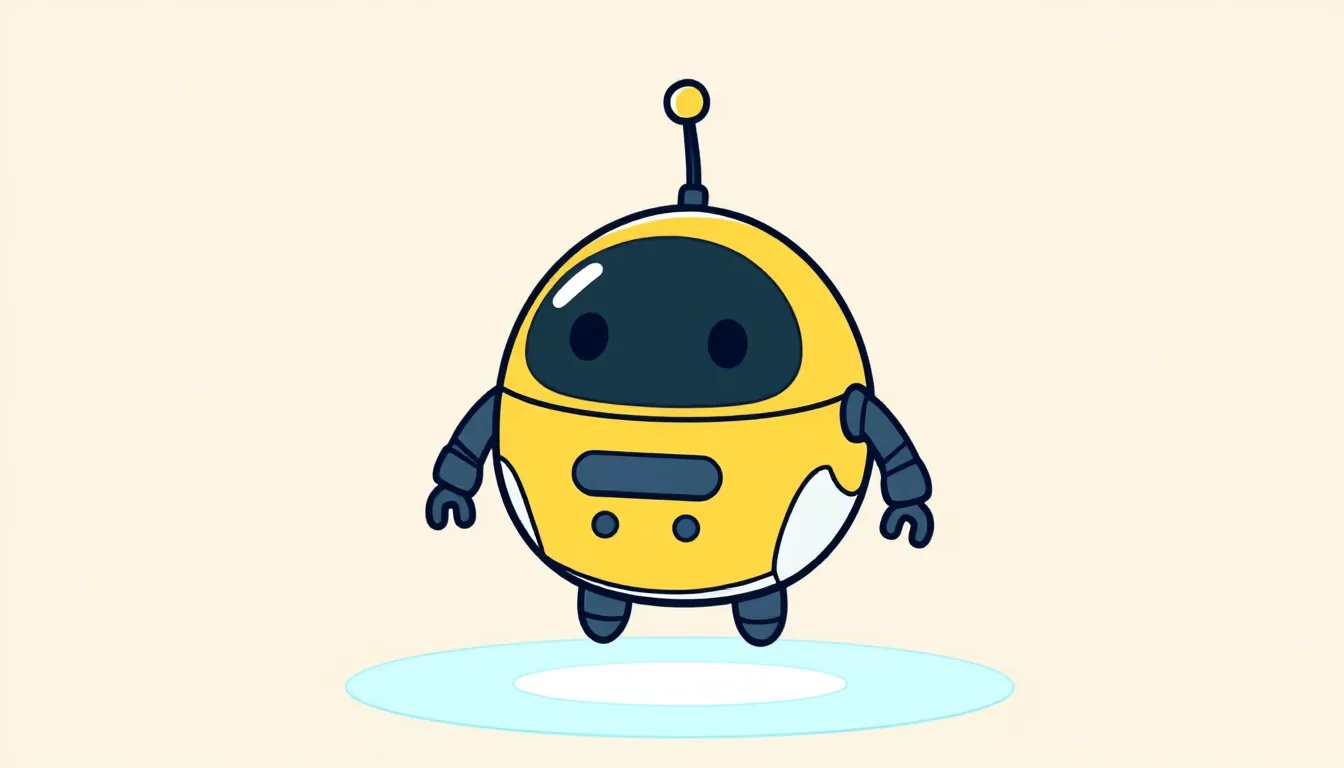
When you first start Laser Thief, after the intro film there’s a training session. It’s called “THIEF TRAINING with BLIP”. BLIP is a little flying robot who accompanies you through the game. Here we explain each of the five lessons in plain words. So you’ll know beforehand what to expect.
What you need
- Your Quest headset with Laser Thief.
- A clear room. The store recommends at least 3 × 3 metres of free space.
- About 10 minutes.
- Your hands or the controllers (the headset’s two handgrips). Both work.
What it costs
The training is part of the game and costs nothing extra. Laser Thief itself cost a one-off £7.99 in the English Meta Store on 10 October 2026. You’ll find the current price on the Laser Thief store page.
Before you start: measuring your height and greeting BLIP
First the game measures how tall you are. Just stand up straight for this. The game then sets the lasers to match your eye level. So tall and short people have equally good chances.
Then BLIP comes up close. You can poke him with your finger. He giggles then. That’s optional. You can also press “SKIP BOOP” or simply walk on. BLIP explains how to use menus: tap buttons, or point at them and “pinch” with thumb and index finger. With controllers you point and press the trigger (the button under your index finger).
Then arrows on the floor lead to the start pad. Stand in the glowing ring until it turns green. BLIP says something along the lines of: every heist begins here and ends here.
The five lessons, step by step
-
Lesson 1: DUCK. A single red beam hangs at about chest height. Walk slowly towards it. From about 18 centimetres away you’ll hear a humming. That’s the warning. Then bend your knees and duck under the beam. Red lasers are always dangerous.
-
Lesson 2: GRAB & ESCAPE. A diamond lies on a pedestal. Go over and touch it with your hand. With controllers you press the grab button or the trigger. At that moment a yellow-orange laser switches on. That colour is called amber. So your way back is different from your way there. Take the diamond back to the start pad.
-
Lesson 3: MAGENTA BLINKS. Eight pink lasers switch on and off. They’re on about half the time. Just before they come back on, they flicker quickly. Walk through while they’re dark. Waiting here isn’t weakness, it’s the trick.
-
Lesson 4: CYAN = SLOW. A curtain of light-blue lasers. They work like a motion sensor. They only trigger if you move quickly. So walk through very slowly. Slow touches are harmless and just sparkle.
-
Lesson 5: GREEN HUNTS. A green laser turns slowly in your direction. It “hunts” you. Here the opposite of lesson 4 helps: keep moving so it doesn’t catch you.
At the end you’ll see “TRAINING COMPLETE” with confetti and fanfare. Then the home page opens.
What comes after the training
The training is the gentle introduction. In the first world, Neon Vault, things carry on in a similar way. According to the studio, the first levels are deliberately simple. Level 1-01 is called “FIRST LIGHT”. There you step over a low beam and duck under a high one. Level 1-02 practises big steps over two low beams. Level 1-03 is called “LIMBO”. There you duck under several bars.
The remaining laser colours are added later, one at a time. So you build your skills step by step. What you learned in the training you’ll need again and again.
Good to know
- Mistakes are allowed. If you touch a laser, there are sparks and a red flash. The lasers are dimmed. Go back to the start pad. The lesson then starts again.
- No lesson on stepping over. Your legs and feet aren’t tracked. That’s why there’s no lesson for it. You’ll simply step over low beams later with one stride.
- Not all colours appear. The training shows red, amber, magenta, cyan and green. You’ll meet the remaining colours later in the story.
- Look it up: On the home page there’s the “LASER DICTIONARY”. It explains all eight laser colours on cards.
- Repeat: Open “GAME MODES” and choose “TRAINING” under “HEADQUARTERS”. There’s also a “TRAINING” button in the LASER DICTIONARY.
- Skip: “SKIP TRAINING” floats at the bottom left. You have to press it twice in quick succession. But we recommend doing the training right through once.
A quick memory aid
- Red: never touch.
- Magenta: wait until it’s dark.
- Cyan: very slowly.
- Green: keep moving.
- Amber: sleeps until you take the loot.
If something doesn’t work
- The start pad won’t turn green: Stand in the middle of the ring. What matters is where your head is, not your feet.
- You keep touching the beam in lesson 1: Bend your knees more and keep your head slightly forward. Hold on to a stable chair back outside the play area if you’re unsure.
- The diamond won’t grab: Bring your hand very close, to about a hand’s width away. With controllers, press the grab button firmly.
- You can’t get through in lesson 4: Go even more slowly. Move your arms slowly too.
- Your hands aren’t recognised: Make the room brighter or use the controllers.
Unsure about a word? Look it up in our glossary of technical words.