The HAUNTED main menu explained: every button in plain words
In short
- The HAUNTED main menu floats in your real room.
- You choose with the controller's beam or with your fingers.
- There are six areas: New game, Continue, New Game+, Chapters, Games and Settings.
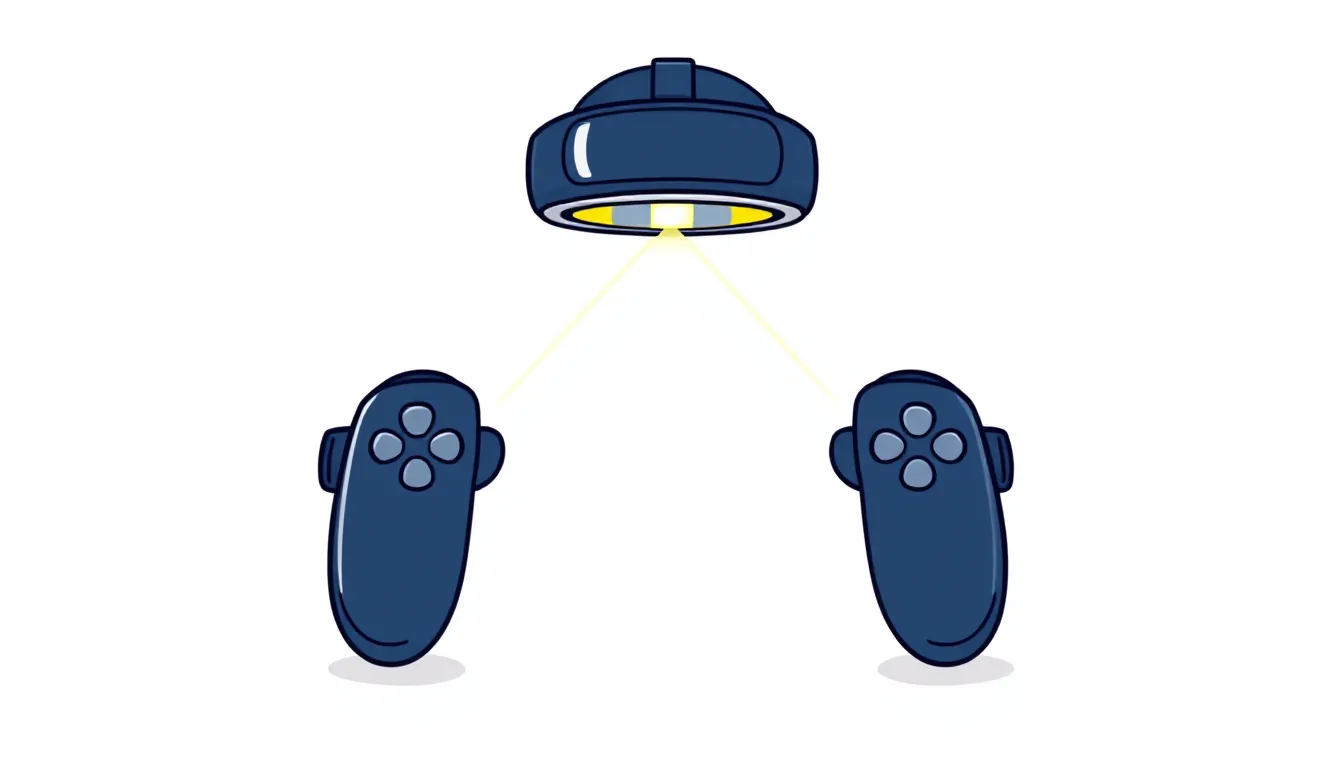
When you start HAUNTED: Are You Alone?, you see a menu after the warning screens. It floats in the middle of your room. The buttons are in English. In this article we explain every button in one or two sentences. That way you know in advance what happens when you tap it.
What you need
- Your Meta Quest with HAUNTED installed.
- A scanned room (the headset has mapped the walls, floor and ceiling).
- The controllers or your hands.
What it costs
The menu itself costs nothing extra, of course. The game cost £3.99 in the British Meta Store on 10 October 2026. According to the store, there are no adverts in the game.
How to choose in the floating menu
Before we explain the buttons, a quick word on controls.
With controllers: A beam of light comes from the tip of the controller (a thin, bright line). Point it at a button. Then press the trigger, the button under your index finger.
With your hands: If hand tracking is switched on (the headset recognises your hands through its cameras), you also see a beam. It comes from your hand. To choose, briefly pinch your thumb and index finger together.
Take your time. The menu won’t run away from you.
The buttons, one by one
- New game: Starts the story right from the beginning, with the prologue. Choose this the very first time.
- Continue: Picks the story up where you last left off. Handy if you’ve had a break.
- New Game+: Meant for the time after you’ve played the story through to the credits once. You then play the story again, with changed menu text and dialogue.
- Chapters: Here you pick a single chapter directly. All chapters are open from the start. Chapters you’ve already reached are marked.
- Games: Here you’ll find the three arcade modes Grave Rush, Arm Cutter and Skull Hunt. Arcade means short games where you collect points for as long as you last.
- Settings: Here you’ll find several smaller items. They’re explained in the next section.
What’s in the settings
According to the maker, you’ll find these items in Settings:
- Rate the app: This lets you give the game a rating in the store. It’s voluntary.
- Change room: This lets you pick another scanned room. Useful if you’ve moved the furniture around.
- Hide my room: Instead of your real room, you then see a virtual padded cell. It sits exactly on your real walls. All the scary moments still work. This is handy if you’re filming and don’t want to show your home.
- Contact and legal: Here you’ll find contact details and legal notices.
- Quit: This closes the game.
The other menus in the game
Besides the main menu, there are two small menus you should know about.
The pause menu opens when you pause during the game. It has four buttons: Resume, Try again (retry the chapter), Home menu (back to the main menu) and Quit.
The screen after a death first shows a short sentence that burns into the darkness. After that you have three options: Try again, Help (an explanation of how to get through the chapter) and Home menu. From the third death in the same chapter, “Skip chapter” appears too. That lets you skip the chapter.
How to start for the first time, step by step
- Start HAUNTED.
- Read the two warning pages.
- Choose your room.
- Point the beam at “New game” and confirm.
- Stand in the middle of your free space. The story begins with a ringing phone.
A short word list for the menu
The most important English words in the menu at a glance:
| English | German |
|---|---|
| New game | Neues Spiel |
| Continue | Weiterspielen |
| Chapters | Kapitel |
| Games | Spiele (die drei Spielmodi) |
| Settings | Einstellungen |
| Resume | Fortsetzen |
| Try again | Noch einmal versuchen |
| Help | Hilfe |
| Skip chapter | Kapitel überspringen |
| Home menu | Hauptmenü |
| Quit | Beenden |
You can print this list out and put it next to your play area. Then you can have a quick look during a break.
Good to know
- The menus are in English only. The words in this article will help you find your way around.
- The menu floats in the room. If it’s in an awkward spot, just turn a little.
- Your progress is saved on the headset only.
- You can find out more about the game on the HAUNTED store page.
A sensible order for your first few evenings
- On the first evening: “New game” and the story, as far as you like.
- On the second evening: “Continue”, through to the end of the story.
- After that: “Games”, to get to know the three game modes.
- Later: “Chapters”, to replay a favourite chapter.
If something goes wrong
- You can’t see the beam: Move the controller or your hand. With controllers, check the batteries.
- A button doesn’t respond: Hold the beam steady on the button, then press.
- The menu is behind you: Turn round slowly. Keep an eye on your surroundings as you do.
Unsure about a word? Look it up in our glossary of technical words.