How much space do I need for Tank Avenger? Answers with a tape measure
In short
- The minimum is 1.5 square metres of free floor, plus a clear spot of 0.6 × 0.6 metres.
- The makers recommend about 2 × 2 metres of free floor.
- With a tape measure and masking tape, you can check this in 10 minutes before you buy.
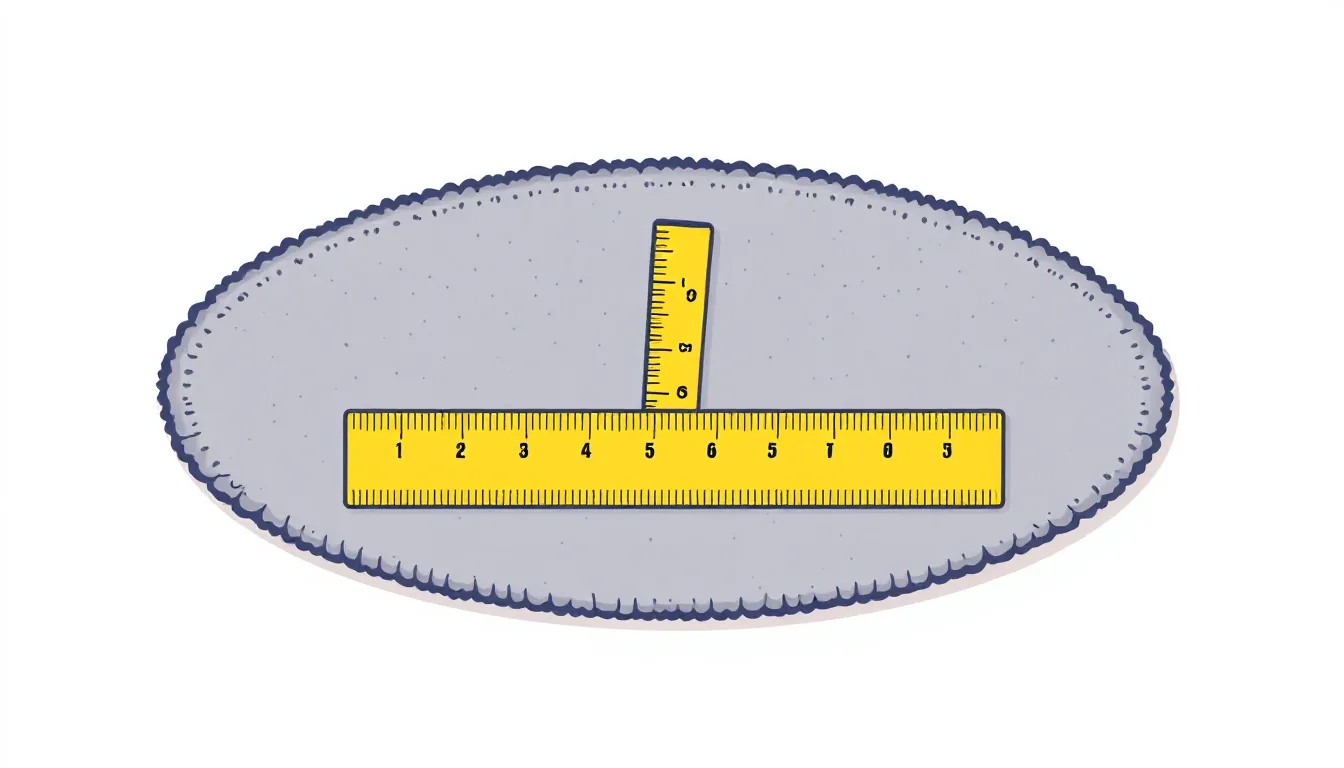
Tank Avenger takes place on your own floor. So the most important question before you buy is: have I got enough space? The good news: you don’t need a ballroom. Here we answer the most common questions about space. After that, we show you how to measure your room with simple tools.
The short answers
How much floor do I need at minimum? At least 1.5 square metres of free floor. The game divides the floor into tiles of 25 × 25 centimetres. It needs at least 24 of them. It also needs a clear, square spot of 0.6 × 0.6 metres. That’s where the enemies’ fortress appears.
How much floor is recommended? The makers say in their FAQs that about 2 × 2 metres of free floor is best. That’s 4 square metres. More space means more room for the playing field.
What happens if I only have a little space? The game adapts each level to your space. A smaller space means a tighter battle. So you can play with the minimum too.
Does floor space under the table count? No. Tiles under furniture are locked. The playing field only ever lies on free floor, never on a table or sofa.
Do I need space around the area? Yes, we recommend it. You walk around the playing field while you play. The game also builds a small game world on the floor around the area. In some levels there’s a launch ramp for drones there too.
And in VR mode? In VR mode you can’t see your room. The playing field is then a fixed square of 3.5 × 3.5 metres in a virtual landscape. It doesn’t depend on the size of your room. But you still need a safe, clear area to stand and move in.
What you need to measure up
- A tape measure.
- A roll of masking tape (painter’s tape, which peels off without leaving marks).
- Optionally a pen and paper for the measurements.
- About 10 minutes.
What it costs
You may already have a tape measure and masking tape. If not, both cost only a little at the DIY shop. On 10 October 2026 the game cost £9.99 in the British Meta store as a one-off purchase. Check the current price on the official store page.
Step by step: check the space before you buy
- Clear the floor. Cables, shoes, baskets and toys go away. Anything that can’t move isn’t part of the area.
- Find the largest clear spot. Often that’s the middle of the living room between the sofa and the TV.
- Measure one side. Lay the tape measure on the floor. Measure how long the clear area is in one direction.
- Measure the other side. Measure across it. Write down both numbers.
- Work out the area. Multiply the two numbers. Example: 1.5 metres times 1.25 metres gives just under 1.9 square metres. That’s enough for the minimum of 1.5 square metres.
- Mark the corners with tape. Put a piece of masking tape at each corner. That way you can see the area in front of you.
- Check the clear spot for the fortress. Within the area, measure out a square of 60 × 60 centimetres. That almost always fits, as long as the area isn’t very narrow.
- Walk around the outside once. Can you walk comfortably around the taped-off area without bumping into furniture? Then the game fits in your room.
- Remove the tape again. Or leave it down until the game is installed. Then you’ll know exactly where to switch on the tiles.
Examples for comparison
| Free floor | Rough size | Is that enough? |
|---|---|---|
| 1.0 × 1.5 metres | 1.5 m² (24 tiles) | exactly the minimum |
| 1.5 × 1.5 metres | 2.25 m² | yes, with a bit of room to spare |
| 2.0 × 2.0 metres | 4 m² (64 tiles) | yes, this is what the makers recommend |
| 0.5 × 4.0 metres | 2 m², but very narrow | no, the clear spot of 0.6 × 0.6 metres is missing |
Good to know
- One area in one piece: The game only uses one connected area. Two small corners of the room don’t count together.
- Carpet is fine: The game projects its world onto any floor. Just make sure carpet edges aren’t a trip hazard.
- Light: A well-lit room helps the headset recognise the floor clearly.
- Moving furniture: If you move furniture, scan the room again. In the game you do this via PLAY AREA and then + NEW SCAN.
If something goes wrong
- The area is just a bit too small: Push the coffee table against the wall. That often gains you a whole square metre.
- The area is long and narrow: Look for a spot where it’s at least 60 centimetres wide.
- Tiles that are clear are missing in the game: Scan the room again. Sometimes the headset mistakes a shadow for a piece of furniture.
We also explain words like play area and VR mode in our glossary.
Unsure about a word? Look it up in our glossary of technical words.